
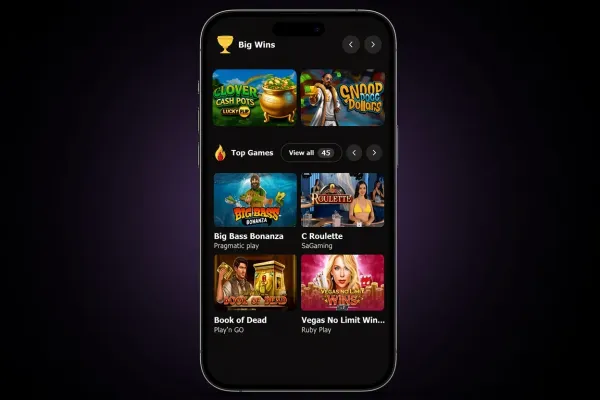
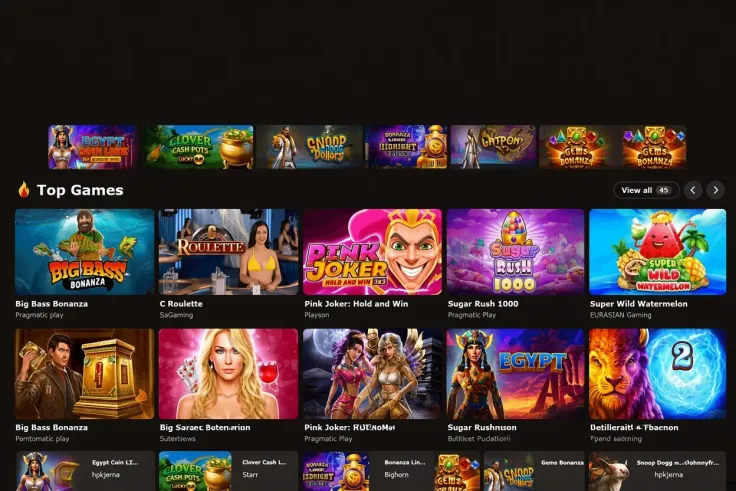
MrJones Casino does not have an iPhone app. On an iPhone you play the mobile site in Safari, the browser that comes with the phone, and nothing has to be downloaded from the App Store. The same is true for Android: there is no app for it either, so the mobile site is the phone option on both systems. Read the MrJones Casino mobile version page for an overview of the site on a phone before you start.
What you can do on a phone

Without an app, the mobile site is how you use MrJones Casino on a phone. It runs in the browser that comes with your device, so you open the site, log in and move around it by touch rather than with a mouse.
The main differences from a computer are the screen size and the way you control the site. Smaller screens show less on each page, so take your time with menus and game details. Games with a lot of information are easier to read in landscape mode on a larger phone.
Game pages open in the browser in the same way as the rest of the site. Before you start a round in any of the slot games or other games, read the game's own information: the paytable, how bonus features are triggered and the maximum win are shown for each game where it is available. Do not assume the phone version has features that the computer site does not have.
Playing from a browser also depends on your connection. A slow or unstable mobile signal can interrupt a game, so play somewhere with a steady signal, especially during a bonus round or a live game.
Playing in the browser instead of an app

Because MrJones Casino has no iPhone app, there is nothing to find or install in the App Store. The steps above show how to open the site in Safari. Treat any link, advert or search result that offers a MrJones Casino app for iPhone with caution, because no such app exists.
The same applies to Android. There is no Android app either, so Google Play has nothing from MrJones Casino to install. The Android app page on this site covers the same point for Android phones.
Because the site opens in a browser, it does not take up storage on your phone the way an app does. Before you log in, check that the address in the browser is the one you intended to use. Do not log in through a link in an email or text message that you do not recognise, even if it looks like it comes from MrJones Casino.
If the mobile site does not load properly, try it again on a different connection before you assume there is a problem with your account. Keep the browser up to date so that pages display correctly.
Keeping your account safe on a phone

Set a passcode, Face ID or Touch ID on your iPhone. Do not share the phone or leave it unlocked while you are logged in, because anyone who can open the phone can reach an open browser session.
Use a connection you trust when you log in. Your own mobile data is safer than unknown public Wi-Fi for entering account details. Check your data allowance before a long session, since the site loads content as you move between pages.
Before you deposit on a phone, look at the responsible gambling tools in your account and set any limits you want there. The safer gambling page explains the tools and where to get help. Keep to a budget you can afford to lose, and stop when you have reached it.
MrJones Casino does not hold a licence from the UK Gambling Commission, so the rules that licensed operators follow, including GAMSTOP self-exclusion, do not cover it.