

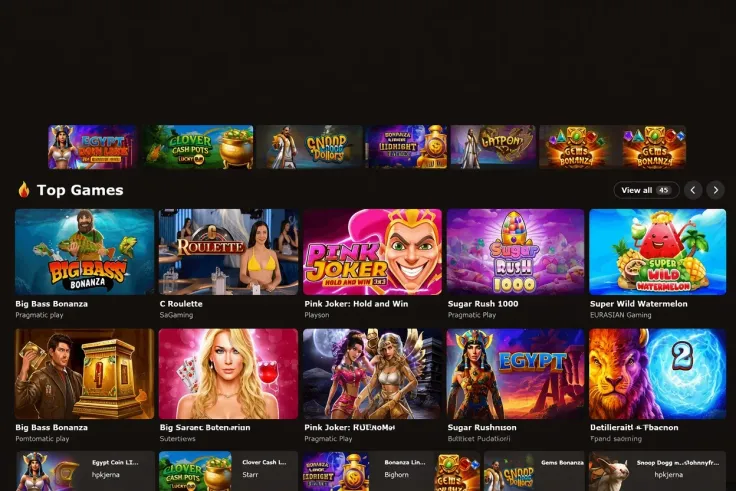
The MrJones Casino sign up follows the steps above: open the website, register, enter your details, verify your identity and then make a deposit. Before you start, have a photo ID within reach, and a payment method in your own name if you plan to deposit. Enter your details exactly as they appear on your ID, because mismatched names and dates of birth are a common cause of delays.
One point comes before the practical side. MrJones Casino does not hold a licence from the UK Gambling Commission, so it is not licensed to offer gambling to players in United Kingdom. No licence from any other regulator was found either. The sections below explain what that means for registration, what to expect from the identity check and what to do if something goes wrong. For the wider picture, see is MrJones Casino legit and is MrJones Casino safe.
What stands behind the registration steps

Registration at MrJones Casino asks for your personal details and confirmation that you are 18 or over. Identity verification is required, and it is one of the steps above. In practice you should expect to prove who you are with a photo document, and possibly to show that a payment method belongs to you. The verification guide goes through the documents in more detail.
What the licence changes
UK-licensed operators must verify age and identity before a customer can deposit or play. They must also offer deposit limits, time-outs and self-exclusion, and they are all covered by GAMSTOP. None of this applies to MrJones Casino, because it is not licensed by the UK Gambling Commission. You can check any operator yourself on the Gambling Commission register.
In practice, if you register here, the protections that come with a UK licence are not in place. A GAMSTOP self-exclusion does not reach an account at MrJones Casino. If you have excluded yourself, registering here would undo a decision you made for good reason, and it is better not to.
Details that matter during registration
- Name and date of birth. Use your legal name as it appears on your ID, not a nickname or a shortened form.
- Address. Enter your current address. If your ID shows an older one, tell support before you submit anything.
- Payment method. Use a card or account in your own name. If you pay by card, use a debit card. Credit cards are banned for gambling in Great Britain.
- Email and phone. Use ones you can access, because you will need them if you have to reset a password or talk to support.
The steps above name a loyalty programme, which is aimed at existing players rather than new sign-ups. It is not a welcome offer for a first deposit. Check the key terms above before you deposit, and see the terms and conditions page for the full wording. T&Cs apply.
18+ · T&Cs apply
Common problems and what to do

Your details are rejected or do not match
The usual cause is a typing slip or a name that differs from your ID. Go back over each field and compare it with the document, paying attention to double-barrelled surnames, middle names and the order of the date of birth. If the details are correct and still rejected, ask support rather than trying new variations. Repeated attempts with changed details can make things harder to untangle.
A document is refused
Photos fail for ordinary reasons: a blurred image, a cut-off corner, glare over the text or an expired document. Take the photo in daylight on a flat surface and make sure all four edges and every line of text are readable. If the document is refused a second time, tell support what happened and ask what it needs instead.
Do not edit, crop to hide details or submit another person's document. Anything other than your own genuine ID is likely to cause bigger problems than a delay.
A payment does not go through
Check that the card details, expiry date and billing address are right, and that the card is in your name. A bank can also decline a gambling transaction for its own reasons. Your bank's app or helpline will tell you the cause. If a payment is taken and does not show in your balance, keep the transaction record and screenshots and give them to support. The deposits guide covers payment methods and limits.
You cannot remember your password or cannot get in
If you are locked out soon after registering, look for a password reset option on the login page of MrJones Casino's own website. This site has no login form. If the reset does not work, check that you are using the same email address you registered with, including any spelling differences. Then contact support. The login guide covers access problems in more detail.
Contacting support
MrJones Casino has live chat support in English, and it runs 24/7 (live chat, English). Have your registered email and a short description of the problem ready. If the problem is a rejected document or a missing payment, add screenshots. Keep a record of the date and what you were told, and ask for any decision to be put in writing, so you can refer back to it if the problem continues.
Keeping your account and spending under control

- Use only MrJones Casino's own website. Never enter your password through a link in a message or on a site that only looks similar. This site is a review, so it has no login or registration form of its own.
- Use a password you use nowhere else. A password manager helps. If an email from a casino asks for your password, do not reply.
- Keep your documents private. Send ID only through the upload area on the casino's own site or to support through the chat. Never post it in public or send it to someone who contacts you first.
- Decide on a limit before you deposit. MrJones Casino is not covered by the safer gambling duties that UK-licensed operators must meet, so check whether the cashier offers deposit limits at all. If it does not, your bank may let you set a gambling spending limit or block gambling payments on your card.
- Treat the account as entertainment that costs money. Only play with money you can afford to lose, and stop if it stops being enjoyable.